Solution
On the Solution page, the sidebars are different based on roles and privileges. For more information, see Roles and privileges in Cloud.
Solution Info
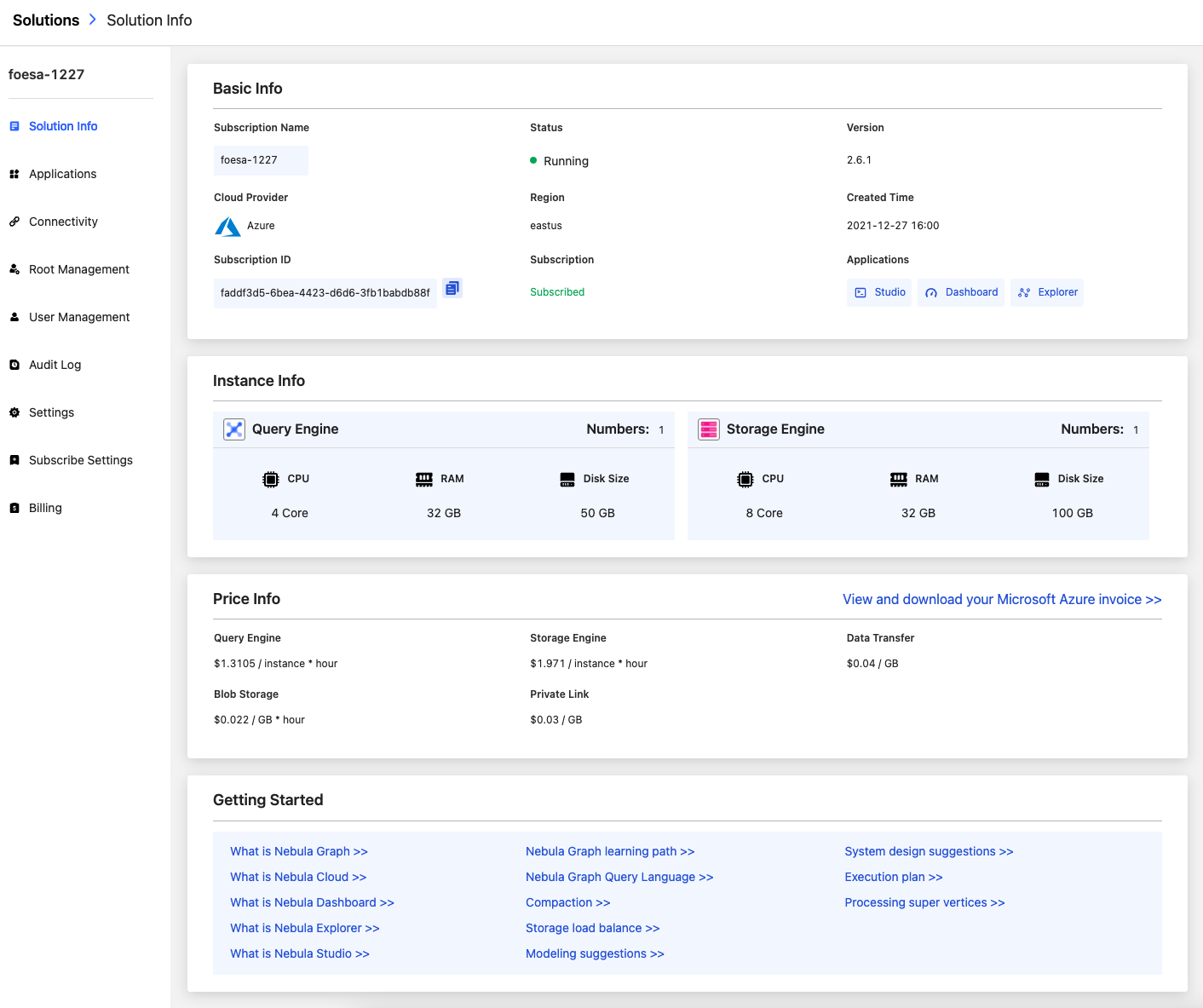
On the homepage of Cloud, click on the Solution's name to enter the Solution Info page. The Solution Info page consists of the following parts: Basic Info, Instance Info, Price Info, Getting Started. You can view the information on this page in detail.
Applications
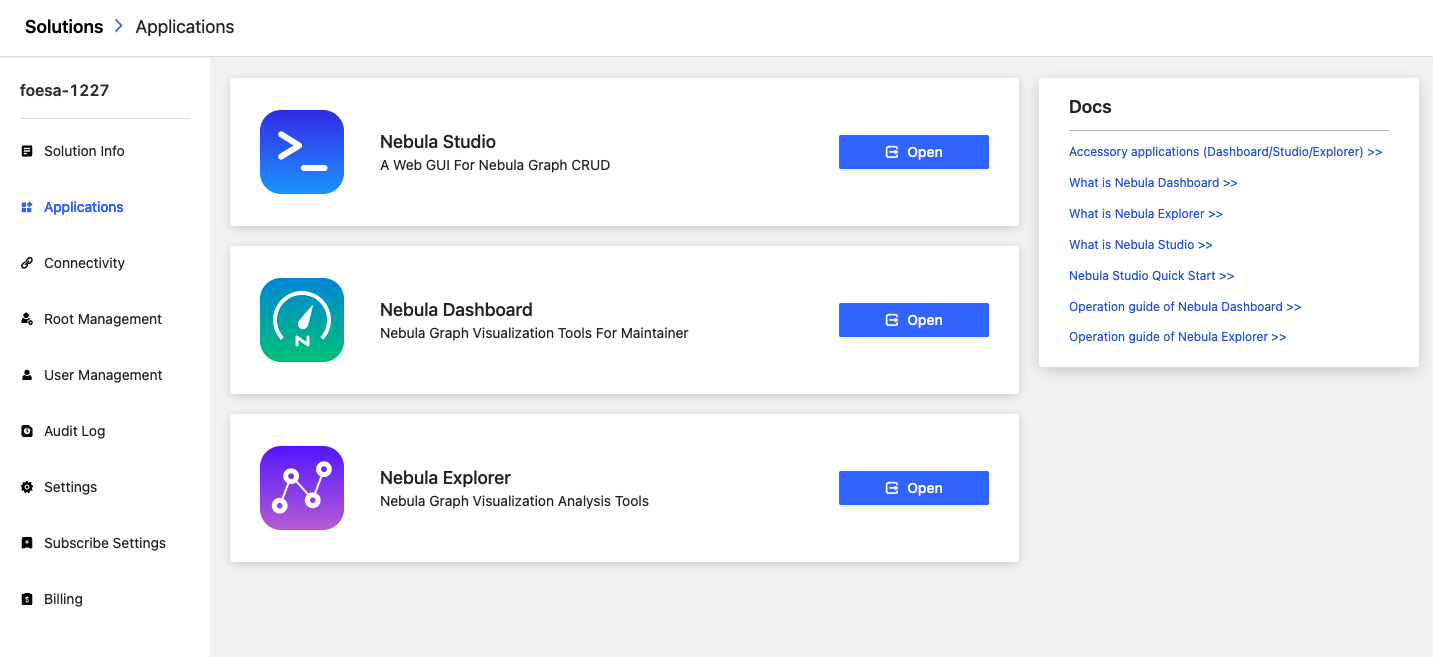
In the sidebar, click Applications to enter the page of ecosystem tools(Dashboard/Studio/Explorer). Different roles see different ecosystem tools. For more information, see Accessory applications.
Connectivity
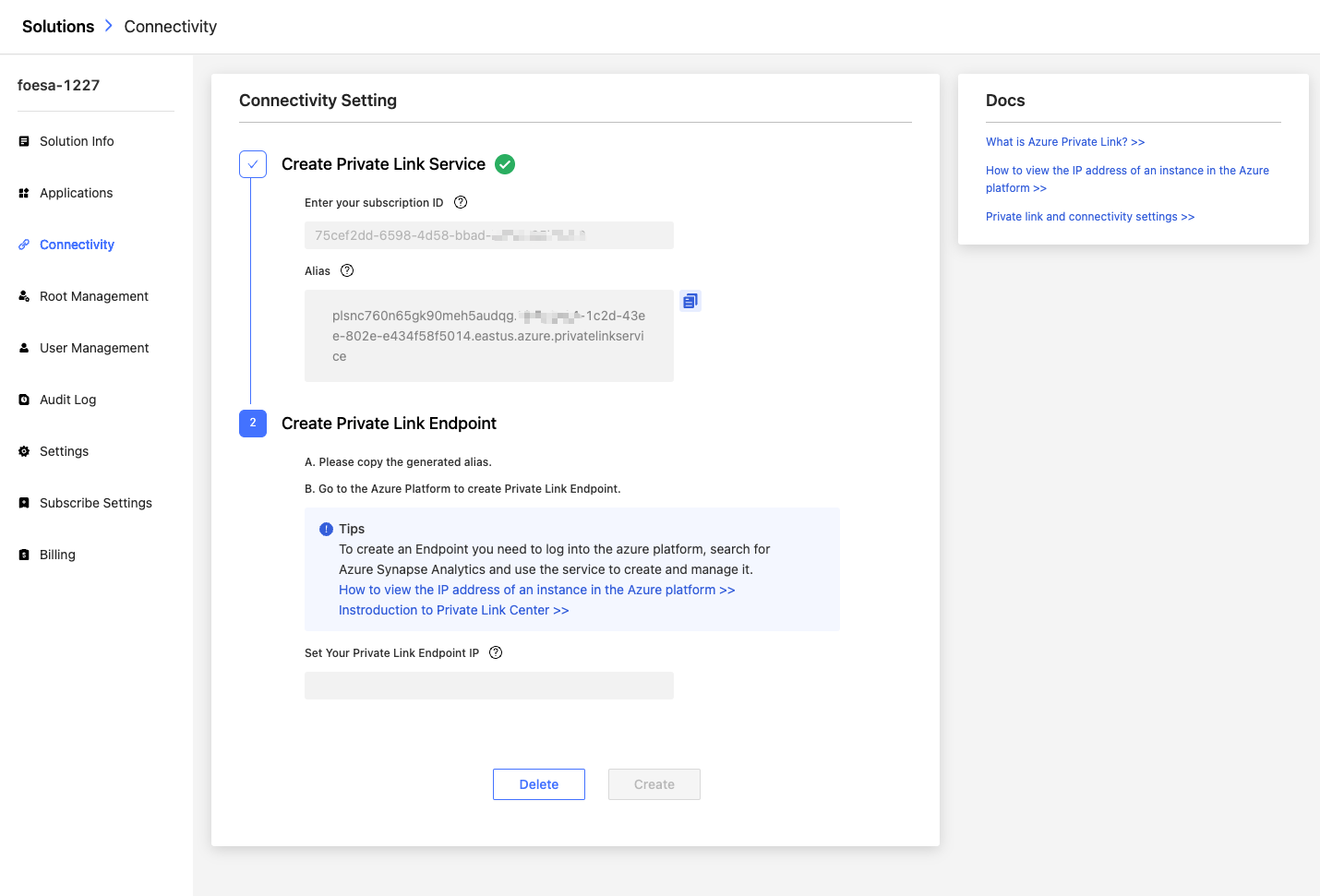
In the sidebar, click Connectivity to enter Private Link page. On this page, you can create a Private Link endpoint that enables you to access NebulaGraph databases through a private IP address in a virtual network. For more information, see Private Link.
Root Management
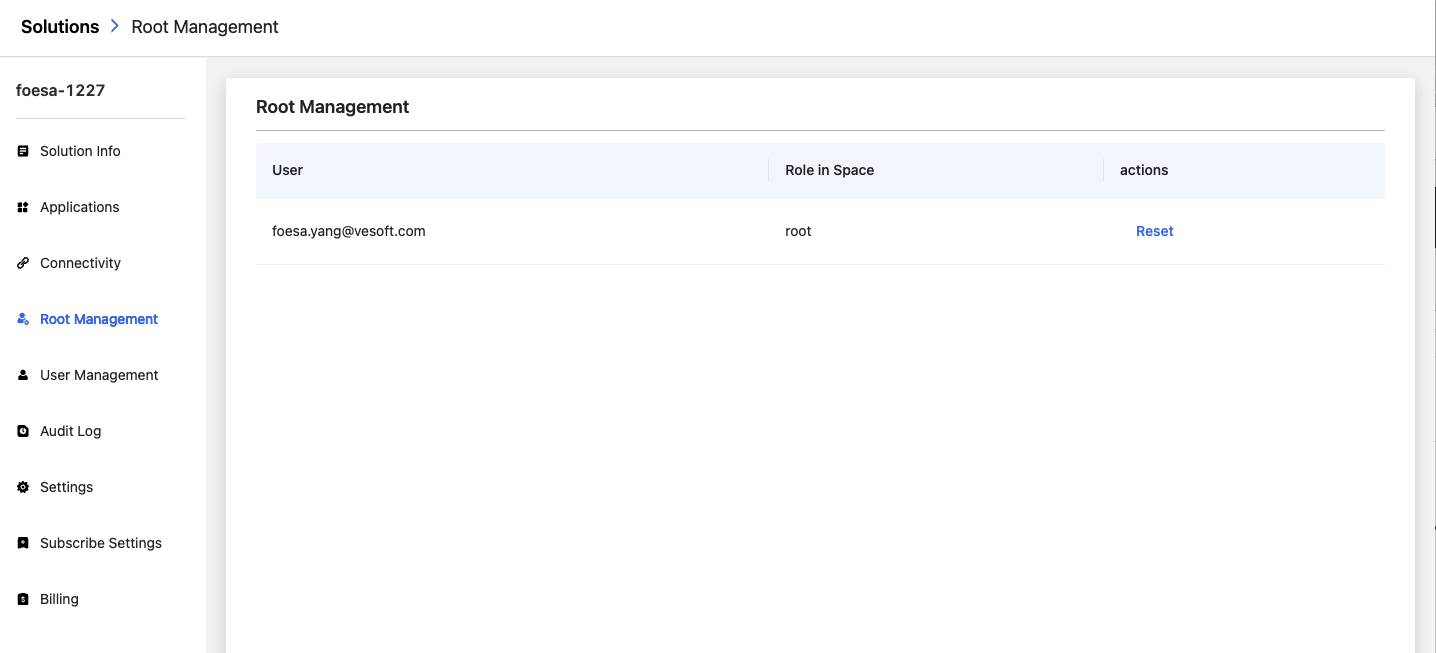
In the sidebar, click Root Management to enter the root account management page. For more information, see Role and User Management.
User Management
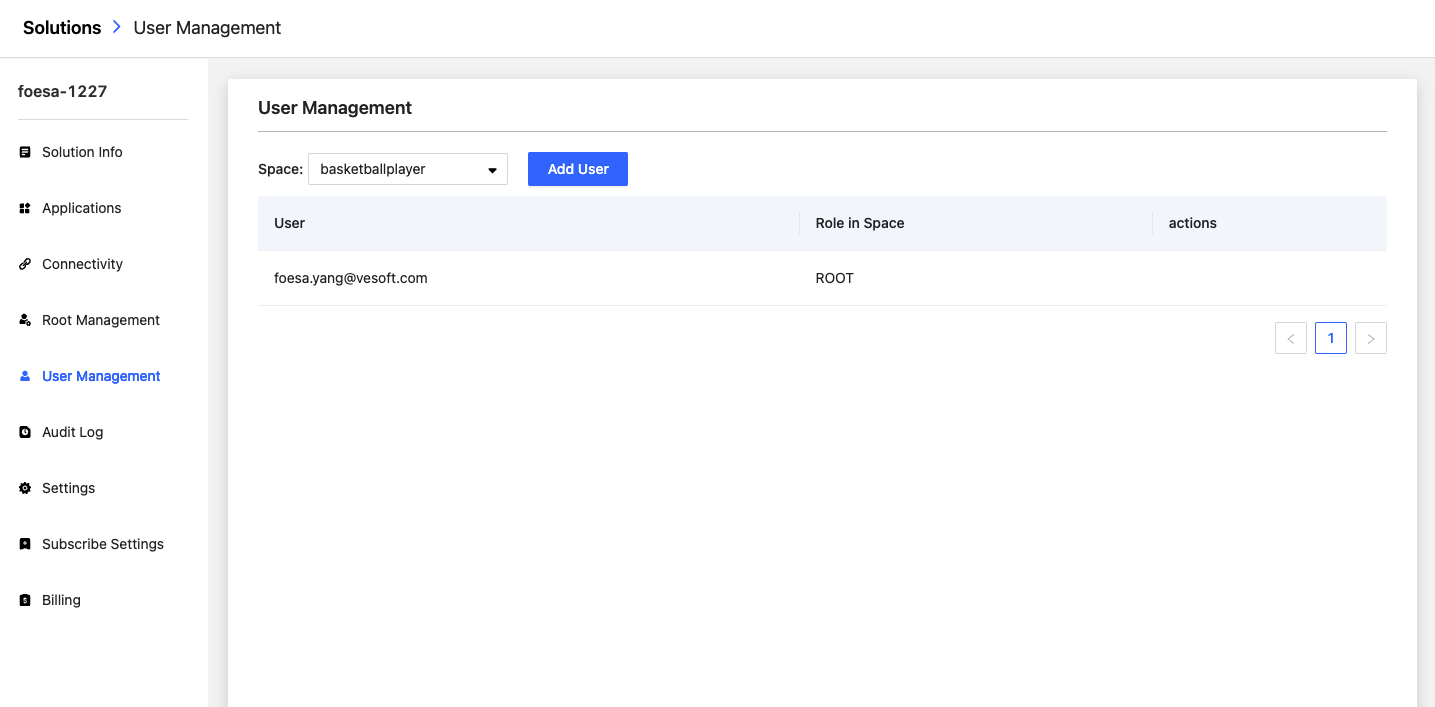
In the sidebar, click User Management to enter the user account management page. For more information, see Role and User Management.
Audit Log
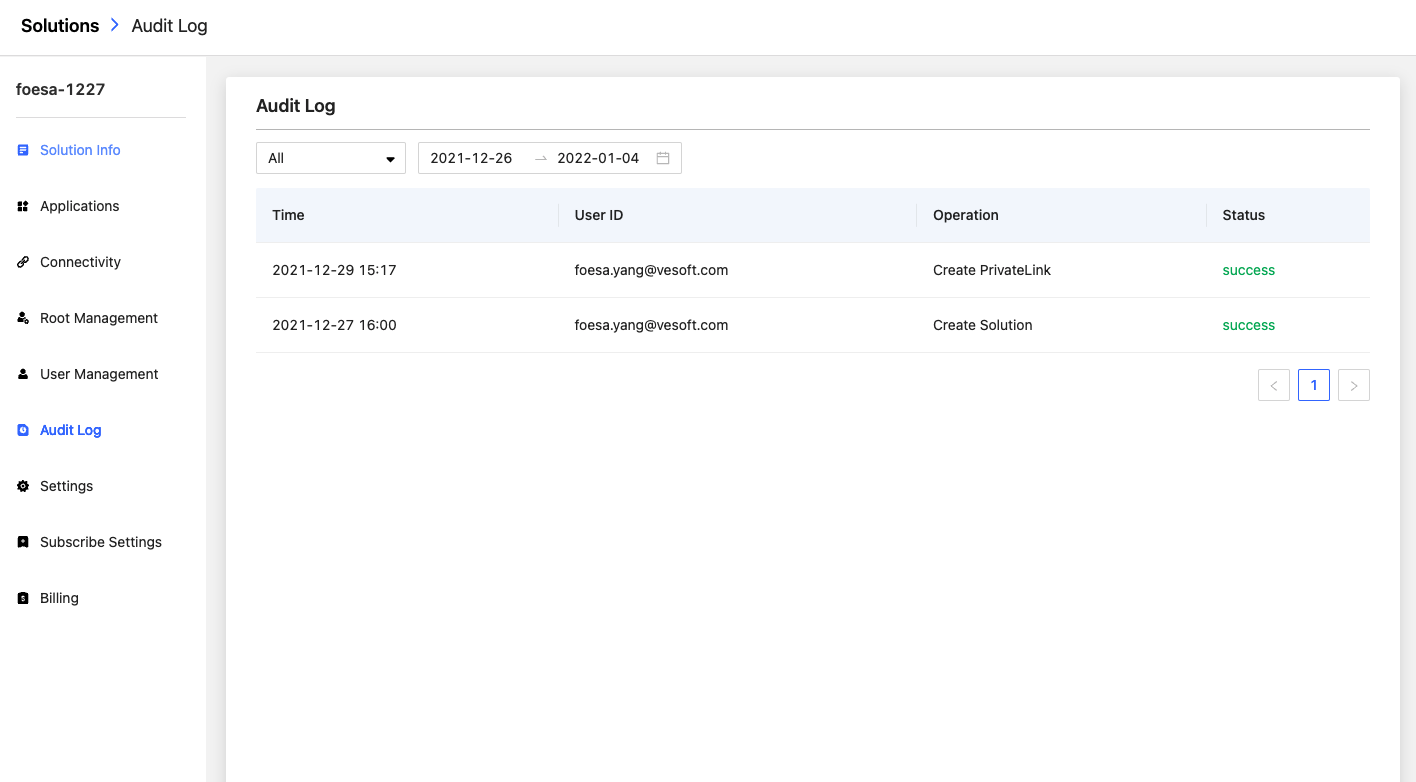
In the sidebar, click Audit Log to enter the operation history page. You can select the time period according to the operation information such as Create Solution, Start Solution, Stop Solution, and filter results by operator and operation record.
Settings
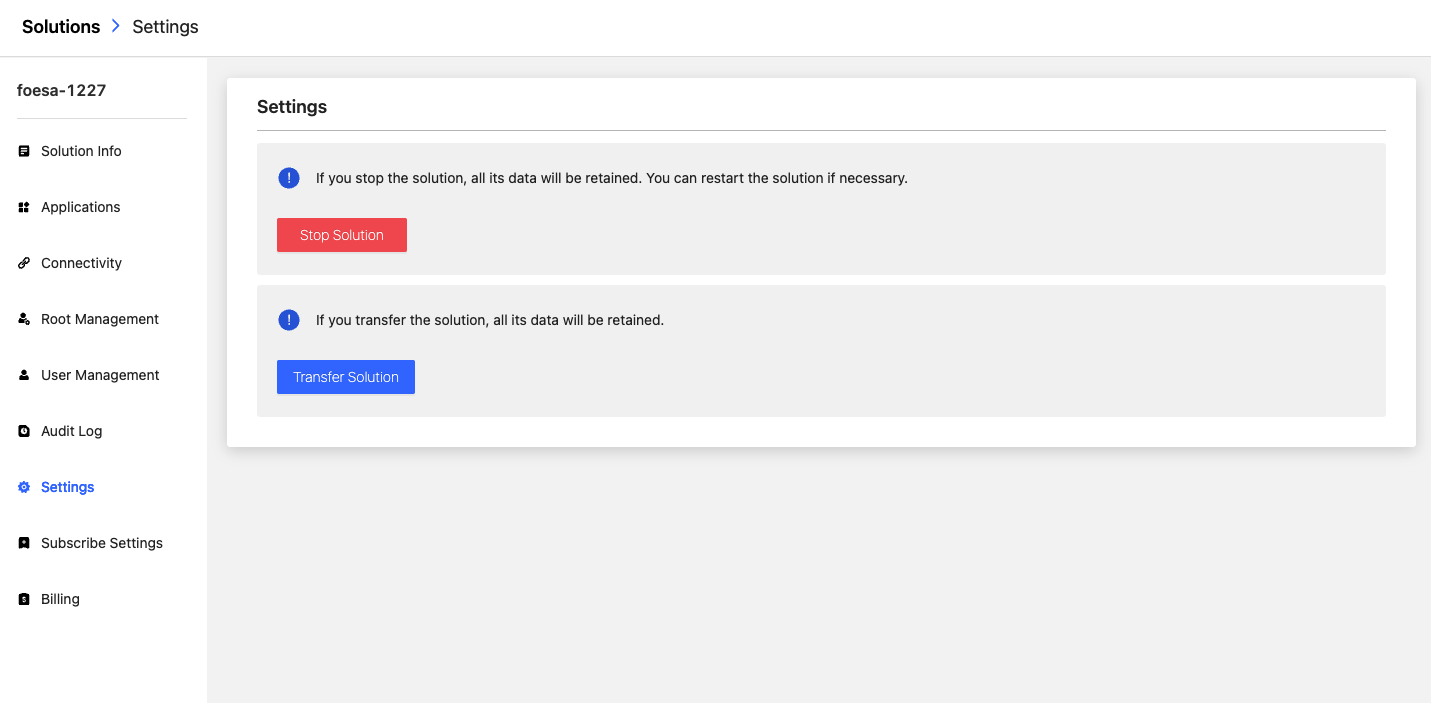
In the sidebar, click Settings to enter the settings page, and you can Stop Solution or Transfer Solution in this page.